
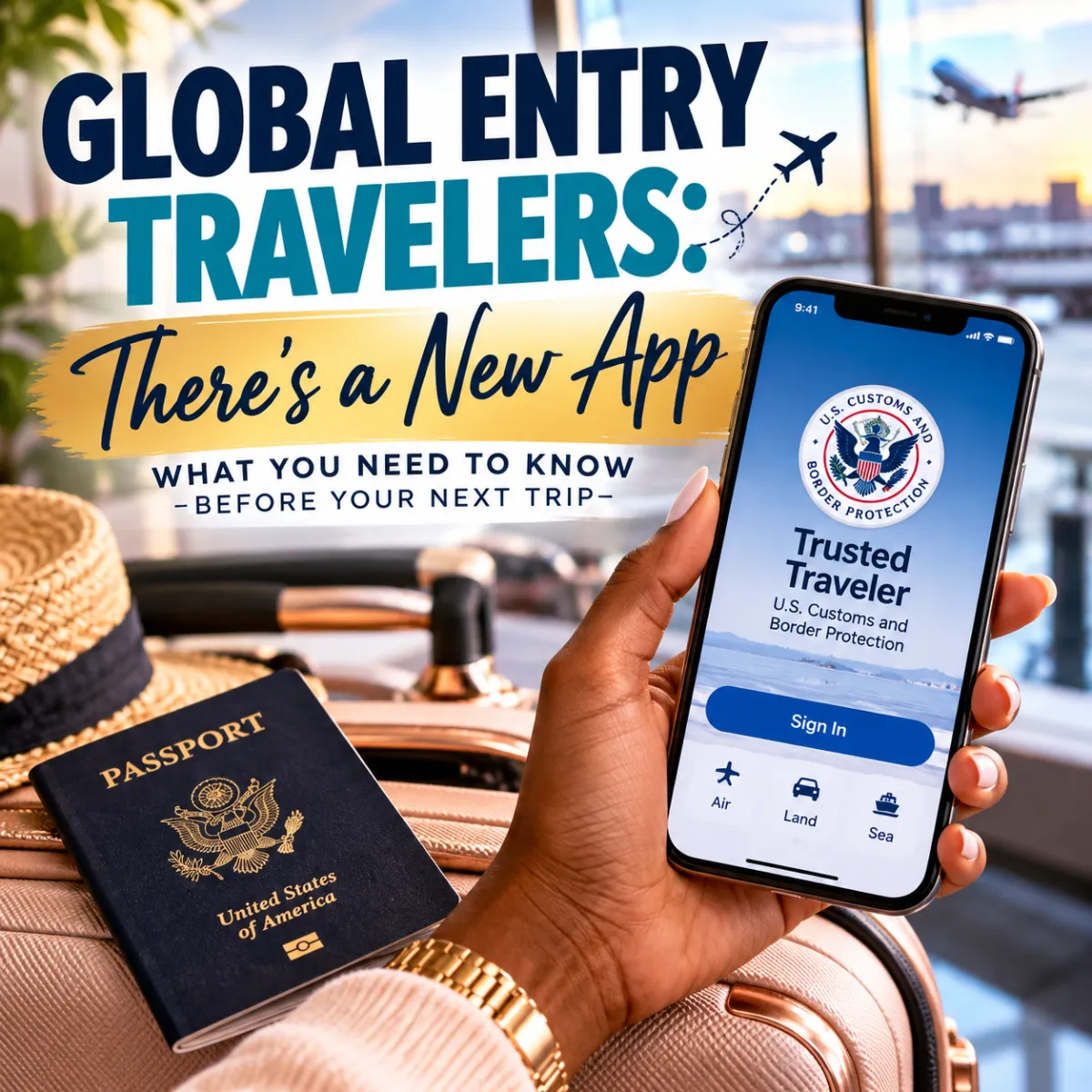
Global Entry Travelers: There's a New App You Need to Know About
If you have Global Entry and use the mobile app when returning to the United States, there's an important travel update you'll want to know before your next international trip.
The Global Entry mobile app has been replaced by the new Trusted Traveler app from U.S. Customs and Border Protection (CBP).
And yes — I downloaded it myself. As someone who believes in making travel as smooth and stress-free as possible, I wanted to check it out and make sure my fellow travelers knew about the change too.

First Things First: Your Global Entry Membership Hasn't Gone Anywhere
The biggest thing to understand is that this is an app change, not a cancellation of your Global Entry membership.
If you're already an active Global Entry member, you don't need to panic or start filling out a new Global Entry application simply because the mobile app changed. Your Trusted Traveler membership is still managed through U.S. Customs and Border Protection.
The important part is making sure you have the current official app and that your information is correct before you're standing in an airport after a long international flight trying to figure it out.
I Downloaded the New Trusted Traveler App
I went ahead and downloaded the new app myself, because I definitely didn't want my first experience with it to be while returning home from an international trip.
That's my first recommendation for you too: don't wait until travel day.
If you use the mobile option for Global Entry, take a few minutes before your next trip to get familiar with the new Trusted Traveler app. After downloading it, sign in and review your membership information. Make sure everything looks the way you expect it to.
It's one of those little pre-travel tasks that could save you unnecessary confusion later.
Be Careful About Which App You Download
This part is especially important.
Whenever an app involves your identity, travel information, or government credentials, you want to make sure you're downloading the legitimate version. Start with the official U.S. Customs and Border Protection Trusted Traveler Programs resources rather than clicking a random search result or social media link.
And before entering your login information, confirm that you're dealing with an official U.S. Customs and Border Protection resource — the official Trusted Traveler Programs portal is ttp.cbp.dhs.gov.
That extra check takes a few seconds and is worth it.

What If You Always Use the Global Entry Kiosks or Portals?
You can keep using the regular Global Entry processing options available at participating airports.
The mobile app is simply another way eligible travelers may be able to complete part of the arrival process. It doesn't mean every Global Entry traveler suddenly has to use an app.
So if your routine has always been to arrive, head to Global Entry and use the airport's processing technology, you can continue following the Global Entry procedures available at that airport.

My Travel Tip: Handle This Before Your Next Trip
You know I'm always going to tell you that smooth travel starts before you get to the airport. So add this to your pre-trip checklist:
Global Entry member? Check your phone. If you still have the old Global Entry app, make sure you're up to date on CBP's current mobile option. Download the official Trusted Traveler app, sign in, review your information, and familiarize yourself with it before you leave the country.
Because after an international flight, the last thing any of us wants to do is stand in the arrivals hall trying to troubleshoot an app.
Handle it at home, and let future-you be grateful.
One More Thing
Travel technology and government procedures can change, so always verify the latest instructions directly with U.S. Customs and Border Protection before traveling.